


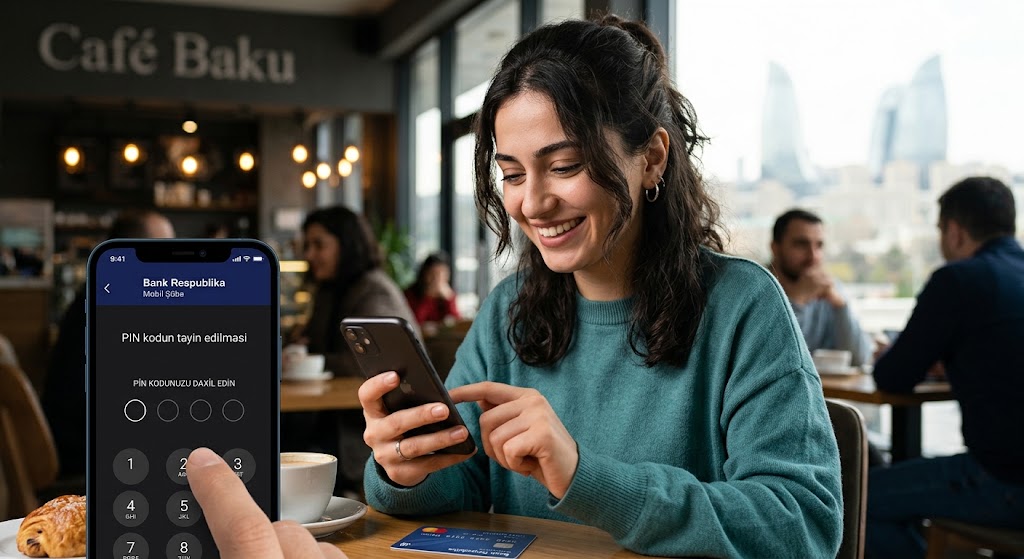
Setting or changing your PIN is now even more convenient!
With the Digital PIN-Set service, you can quickly and securely set a PIN code for your card or change your existing PIN directly in the Mobil Şöbə mobile app.
Activate your new card in Mobil Şöbə After receiving your new card, log in to the Mobil Şöbə app and set a 4-digit PIN for your card. Once the PIN code is successfully set, your card will automatically activate and be ready for immediate use.
Easily change your existing PIN Digital PIN-Set is not just for activating new cards. You can also conveniently change the PIN code of your existing cards through Mobil Şöbə at any time.
How does Digital PIN-Set work?
- Log in to the Mobil Şöbə app;
- Select the card for which you want to set or change the PIN;
- Select the PIN-Set function;
- Enter a new 4-digit PIN code and re-confirm it;
- Confirm the transaction using the OTP code sent to your mobile number.
For security reasons, easily guessable PIN combinations consisting of identical digits, sequential numbers, or your year of birth are not allowed.
Note: To use a PIN code set via Mobil Şöbə for POS-terminal transactions, you must first perform any transaction using the PIN at an ATM (such as a balance inquiry or cash withdrawal).
Your card. Your PIN. Control is in your hands.


